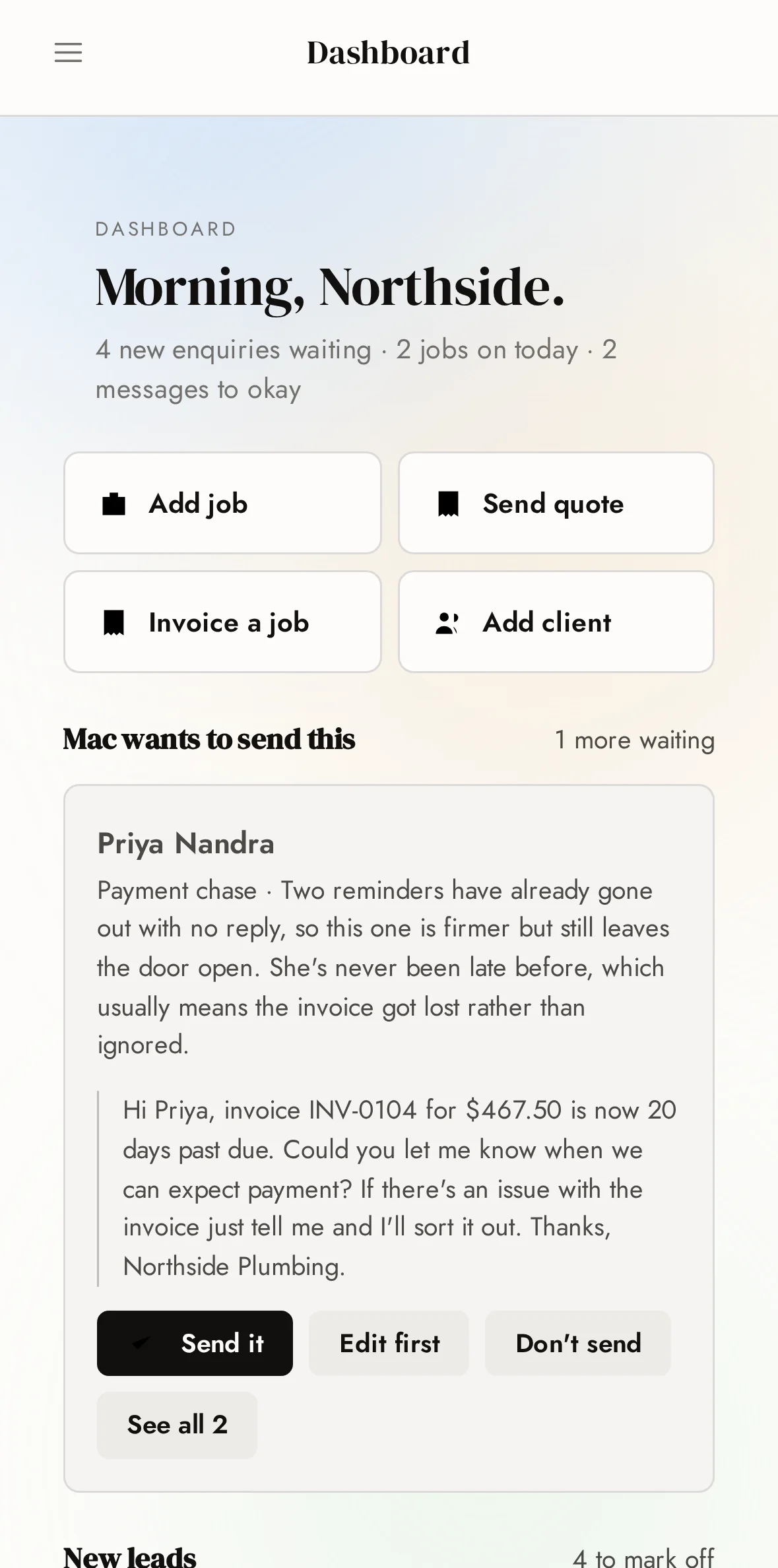
Nothing sends without your OK
Every automated message sits in an approval queue until you've read it. Approve, edit or bin — and once you trust it, let it run.
The Criterion CRM
Every tradie works two jobs — the trade, and the office that follows it home. This is the system that takes the second one off you.
The switch
The real reason tradies put up with a system they hate is the move — a lost weekend re-typing every customer into the new one. So this one does the carrying. Connect Xero once and your whole book walks across on its own: names, numbers, addresses, history. Checked for doubles on the way in.
The actual Connectors screen. One tap each — we handle the keys and the wiring.
The email
Quotes, invoices and follow-ups go out as you — your address, your name, sitting in your own Sent folder like you typed them. No do-not-reply anything.
And when the customer hits reply, it doesn't get buried in your inbox behind the supplier specials. It lands back in the CRM, threaded to their job, with the answer already drafted and waiting on your OK.
Hi Dana — quote's attached for the hot water swap. Any questions, just reply to this. Sam.
Thanks Sam — if I go ahead for Thursday, does that price still hold?
The second shift
You knock off at five. Then somewhere between dinner and bed, the second shift starts. The quote you promised on Tuesday. The invoice from three weeks back you still haven't sent. The number that rang out while you were under a house — no voicemail, no name, and by now they've booked whoever answered.
None of it is trade work. All of it decides what you earn.
The tools are the part you're good at. The office is the part that eats your nights. So the office is the part we automated — and here's what that actually looks like.
The phone
Mac is the receptionist on your number. Someone rings while you're elbow-deep in a job — he picks up, works out what's wrong and how urgent it is, and books them against your real calendar so nothing double-books. By the time you look at your phone, it's a job card: what they need, when they want it, and what they're worried about.
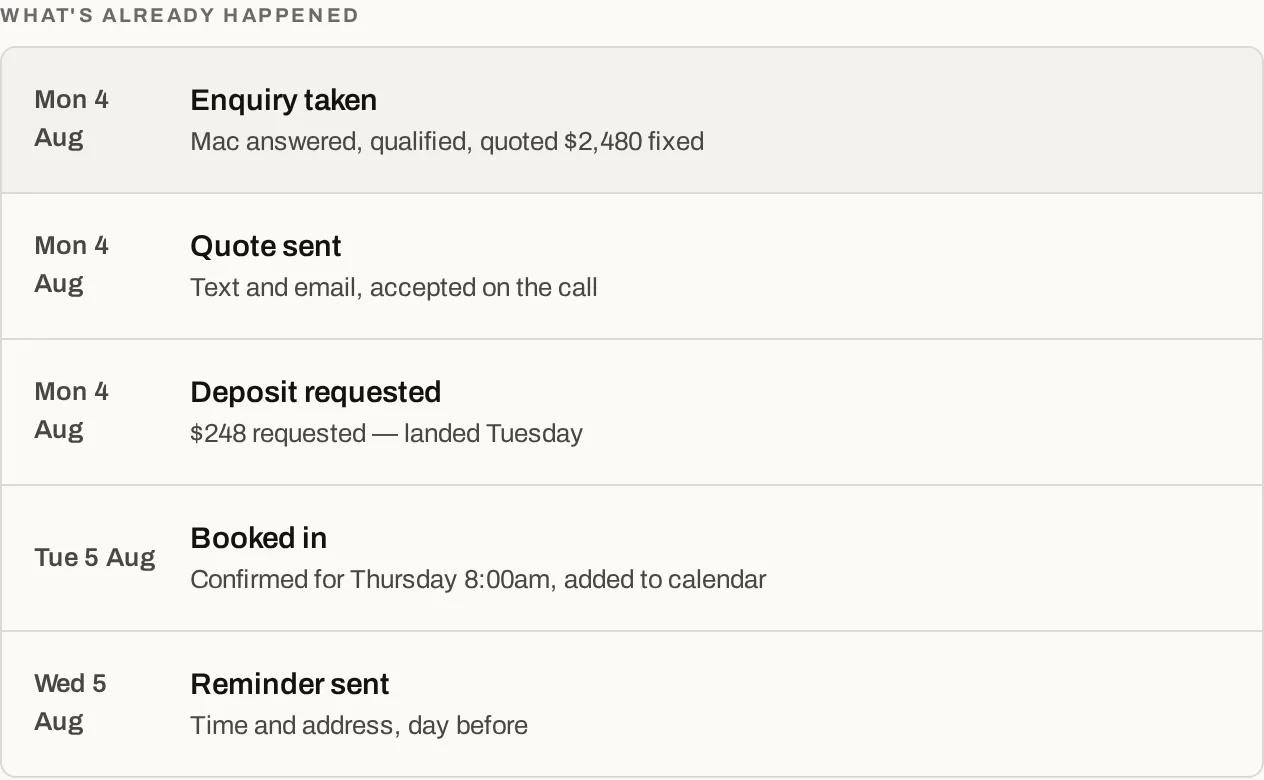
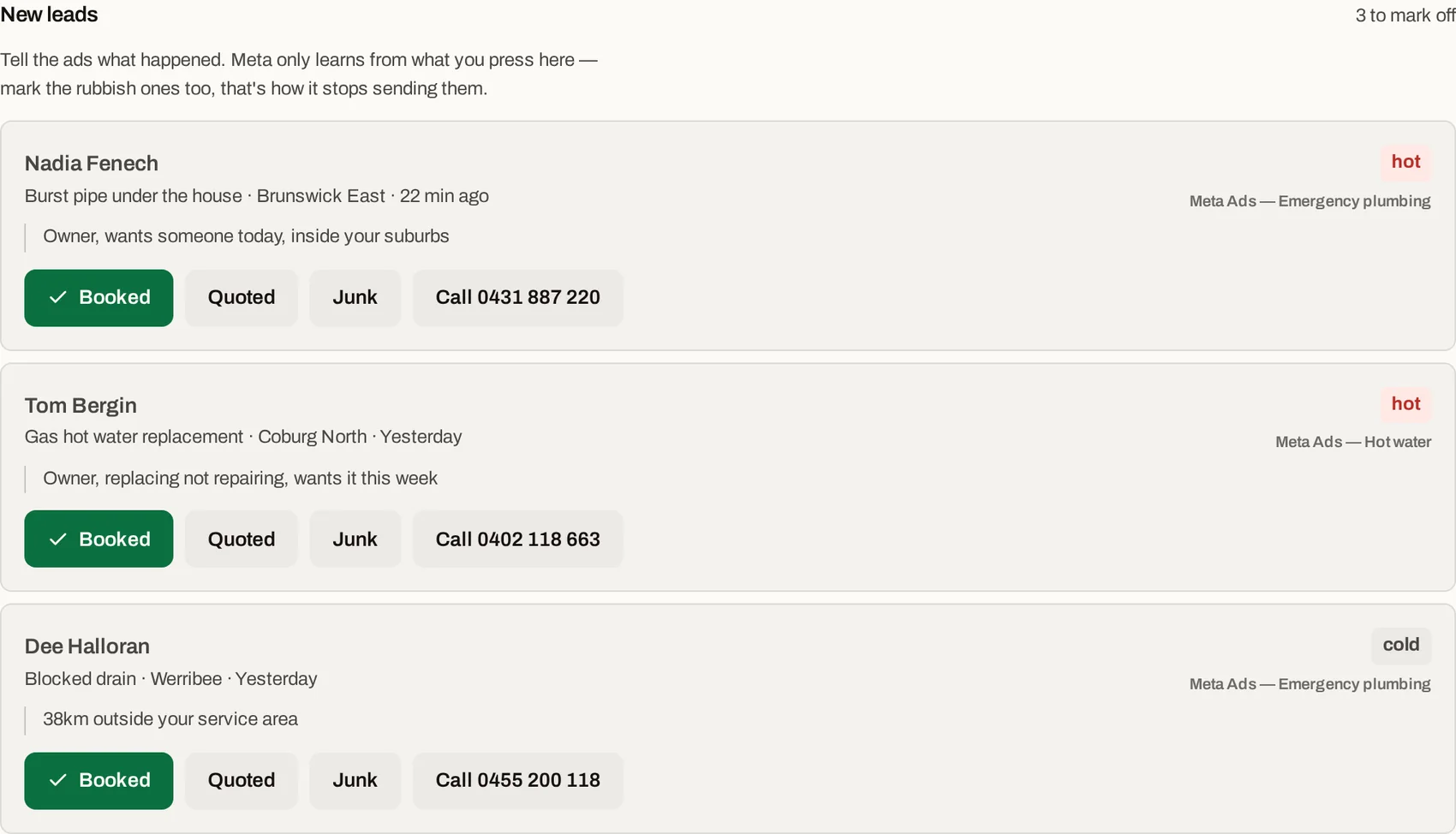
One missed call, written up before you'd have finished typing "sorry, on a job".
The replies
Every text back, every emailed question — Mac's read the thread, checked the job, and has the answer drafted before you've dug the phone out of your pocket. You read it, change a word if you want, tap send. It goes out from your number, in your voice.
It answers what was asked and nothing more — it never invents a price or promises a date. Anything that needs your call stays your call.
No dramas Dana — Thursday arvo it is. I'll move you to 2:30 and you'll get a reminder the day before.
Drafted in seconds, sent when you say. Once you trust it, let the easy ones send themselves.
The leads
Every enquiry lands scored — hot, warm or cold — with the ad or search that produced it sitting right there. Ten minutes between jobs is enough to call the one that's actually worth ten minutes.
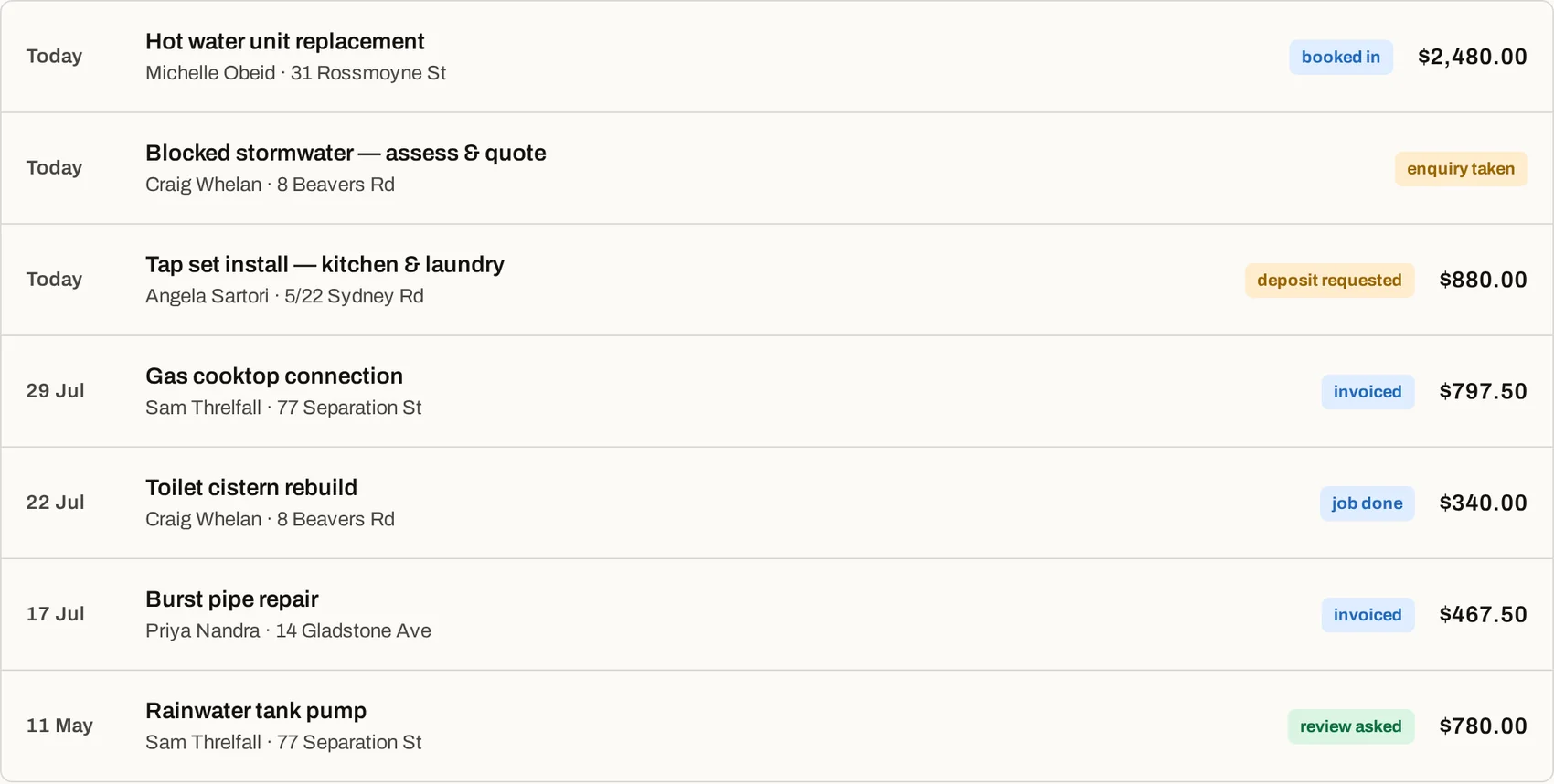
Hot ones wear the red dot. You'll never wonder who to call back first again.
The follow-up
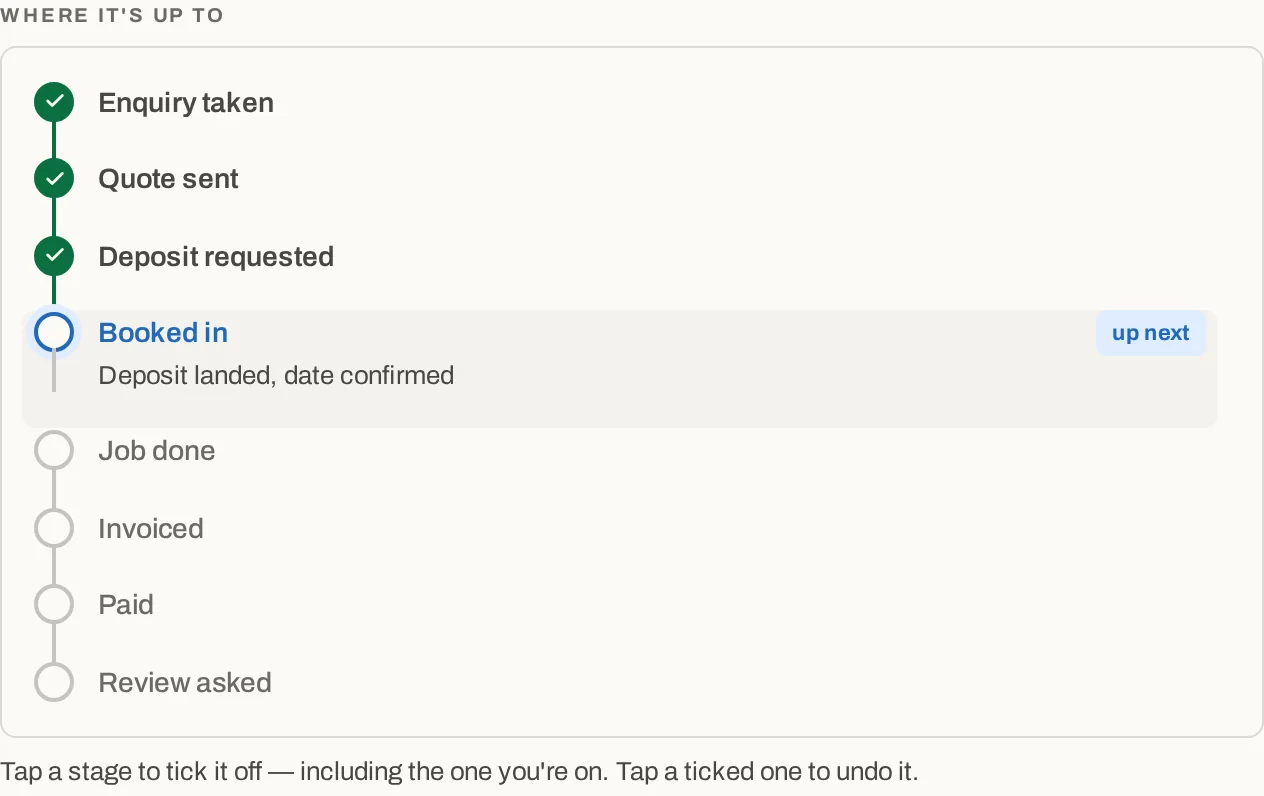
Tell it what happened — booked, quoted, junk. That's your whole job. Confirmations, reminders, quote nudges and review asks head out on their own, in your words, on a schedule you set once and never think about again.
This is the entire admin interface for a finished call. Three buttons.
The crew
Every job for the week on one board, in each worker's colour. The office books it, you tick who's going — two on the big job, the apprentice shadowing on another — and each of them opens their phone to just their day, mapped and in order.
It won't let you double-book Dave, either: anyone already on a job at that time greys out while you're picking the crew. And a date the customer hasn't locked in yet sits pencilled at the top until it's confirmed — so nobody drives to a maybe.
The week as the whole crew sees it — dots for who's going, dashed for not-confirmed-yet.
The money
A proper tax invoice — your ABN, the GST, your bank details — sent from the driveway before you're back in the ute. And when one goes quiet, it gets chased for you: politely, then firmly, with the reasoning shown and every word waiting on your OK before it sends.


It drafts the awkward message, explains why, and waits for your OK. You just tap approve.
The fine print, up front
Every automated message sits in an approval queue until you've read it. Approve, edit or bin — and once you trust it, let it run.
Installs on your phone like a normal app, opens with no signal, and syncs the moment you're back in range. Basements included.
Your data is walled off from every other business on the system. One login, and everything the business knows lives behind it.
Leads, calls, texts, quotes, invoices, the books, the crew. One login. Your evenings back.
Client sign in
Your leads, your diary, your money — exactly where you left them. Sign in and pick it back up.